How to Set Up Apple CarPlay® & Android Auto™ for Honda
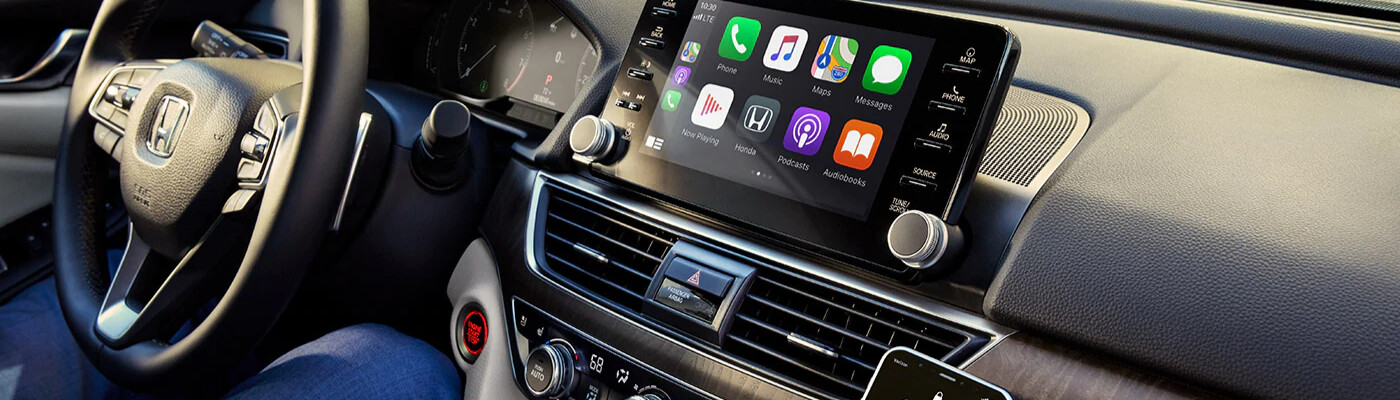
Did you just purchase a new Honda and want to learn how to take advantage of all its features? Learn how to set up Apple CarPlay® for Honda and how to use Android Auto™ wireless with the experts at Ocean Honda of Hanover. For more information about Honda vehicles around Boston, feel free to contact us anytime!
How To Set Up Apple CarPlay® in Honda
Are you trying to learn how to set up Apple CarPlay® in Honda? Let’s check out these few simple steps to get you started with this hands-free system:
- Locate the USB port with the CarPlay logo, and plug in your iPhone.
- On the infotainment screen, navigate to the settings menu, then general, and choose the “CarPlay” menu and choose your vehicle.
- Now that you’ve chosen your vehicle from CarPlay, either press the CarPlay button on the steering wheel or the logo on the infotainment screen to sync.
- Once your iPhone is synced, Siri should activate, and you can now take advantage of all the features of CarPlay.
How To Use Android Auto™ Wireless
Do you know how to use Android Auto™ wireless or how to use Android Auto™ without USB? It’s quite a simple and straightforward process. Let’s take a look at the steps below:
- Navigate to the settings menu on the infotainment screen.
- Either connect your phone to the USB port in the vehicle, or just download the Android Auto™ app on the Google Play Store.
- Open your phone
- Be sure to read the app permissions
- Turn on your notifications
- Now you should have access to all the features on Android Auto™, and can make hands-free calls around Quincy.
Learn More About Connectivity Features at Ocean Honda of Hanover!
Now that you know how to set up Apple CarPlay® on Honda, and how to use Android Auto™ without USB, come see our new vehicle inventory of Apple CarPlay® and Android Auto™ equipped vehicles at Ocean Honda of Hanover! Meet with our finance center and take advantage of our new vehicle specials to save near %%target_cit_3%%!
More from Ocean Honda of Hanover
When temperatures drop, your vehicle’s battery faces one of its toughest challenges. Cold weather can reduce a battery’s ability to deliver power, making it harder to start your engine when you need it most. If your battery is already aging or showing signs of wear, winter weather may be enough to leave you stranded. The…
Read More
When shopping for a new or used vehicle, you may come across two common drivetrain options: all-wheel drive (AWD) and four-wheel drive (4WD). Both systems help improve traction, but they work differently and are designed for different driving needs. Whether you’re commuting to work, navigating rainy or snowy roads, or heading off-road for a weekend…
Read More
Buying a vehicle is a big decision, and one of the most important questions to answer before you start shopping is: How much car can I actually afford? It’s easy to get caught up in a vehicle’s features, technology, or monthly payment. But setting a realistic budget first can help you find a vehicle you’ll…
Read More